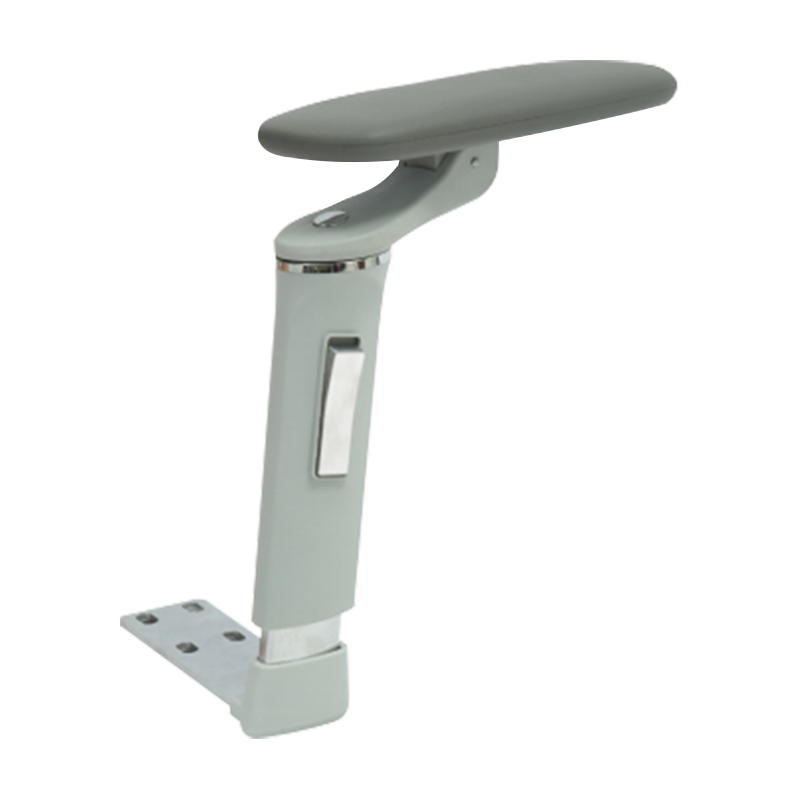
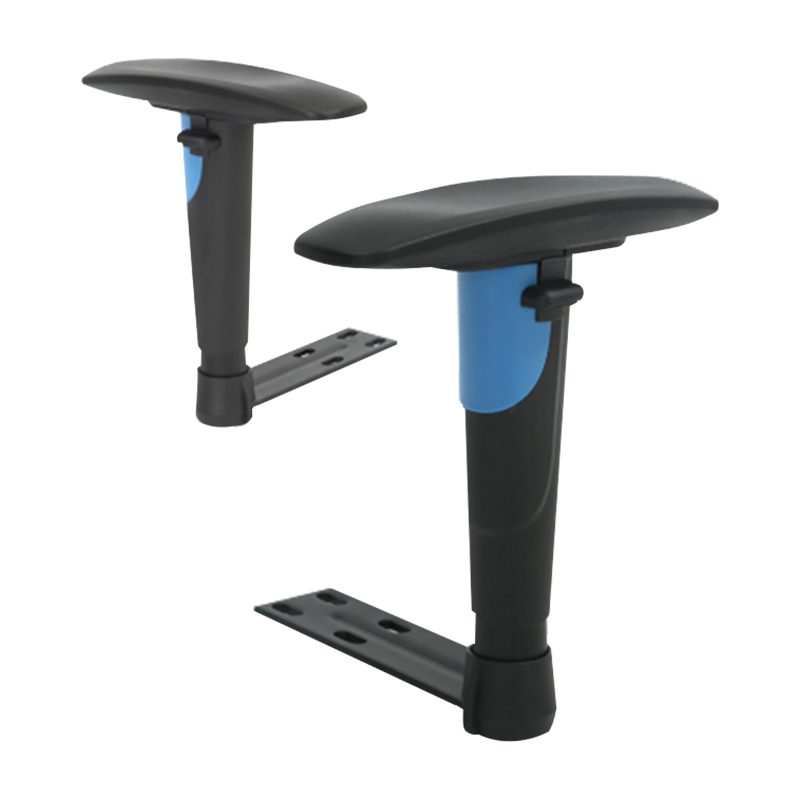
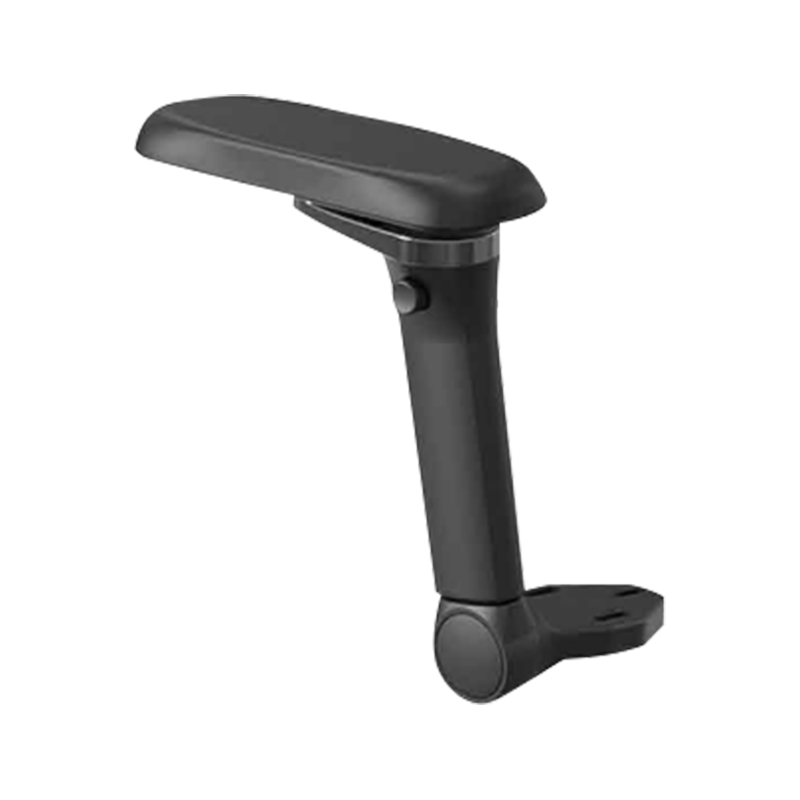
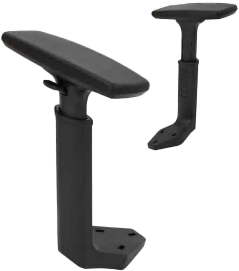
A 3D armrest office chair is an ergonomic seating solution featuring armrests that adjust in three distinct directions: height, depth (forward/backward), and angle (pivot). This level of adjustability is a critical factor in preventing musculoskeletal strain, as it allows the user to align the armrests perfectly with their desk height and shoulder width, effectively reducing the load on the trapezius muscles and cervical spine.
The Three Dimensions of Adjustment Explained
To be classified as "3D," an armrest must move beyond simple height adjustments. Each dimension serves a specific ergonomic purpose designed to support the natural posture of the upper body during various tasks.
- Vertical Adjustment (Height): This ensures the elbows are bent at a 90-degree angle, preventing the shoulders from "shrugging" if the arms are too high or slouching if they are too low.
- Horizontal Adjustment (Depth): By sliding the armrest pads forward or backward, users can get closer to their desk without the armrests hitting the edge of the table, maintaining proper back support against the chair's backrest.
- Pivot Adjustment (Angle): The pads can rotate inward or outward. Inward tilting is particularly beneficial for typing on a keyboard or using a smartphone, as it supports the forearms in a natural, narrowed position.
Comparison of Office Chair Armrest Types
Office Chair Armrest Functionality Comparison
| Feature |
1D Armrests |
2D Armrests |
3D Armrests |
4D Armrests |
| Height Adjustment |
Yes |
Yes |
Yes |
Yes |
| Forward/Back Slide |
No |
Yes |
Yes |
Yes |
| Pivot (In/Out) |
No |
No |
Yes |
Yes |
| Width Adjustment |
No |
No |
No |
Yes |
Ergonomic Benefits for Long-Term Health
Standard fixed armrests often force the body to adapt to the chair, rather than the chair adapting to the body. A 3D armrest office chair mitigates "static loading"—the physical stress caused by holding a single position for too long.
According to ergonomic studies, supporting the weight of the arms can reduce the force on the spinal discs in the lower back by up to 10%. By allowing the forearms to rest comfortably, 3D armrests also reduce the risk of Carpal Tunnel Syndrome and Ulnar Nerve Entrapment, as they prevent the wrists from resting on the sharp edges of a desk.
Practical Applications in the Modern Workspace
The versatility of 3D armrests makes them ideal for multi-tasking environments. Consider these specific use-case scenarios:
- Precision Typing: Pivoting the armrests inward supports the arms while keeping the wrists straight, which is essential for heavy data entry or coding.
- Gaming: Gamers often lean forward or shift angles; the depth adjustment allows the chair to be pulled right up to the monitor while maintaining forearm support.
- Mobile Device Use: When leaning back to read on a tablet or phone, pivoting the armrests inward provides a stable base that prevents neck strain from looking down.
Materials and Durability Standards
When selecting a chair with 3D armrests, the construction of the adjustment mechanism is as important as the movement itself. High-quality models typically utilize Polyurethane (PU) padding. Unlike hard plastic, PU is semi-soft to the touch, providing pressure relief for the sensitive elbow nerves (the "funny bone").
Reliable 3D mechanisms should feel "clicky" and secure. Premium chairs often feature locking buttons for each dimension to ensure that the armrest doesn't slide out of place when you apply weight to stand up or shift positions.
Selection Advice for Different Body Types
While 3D armrests offer significant range, users with exceptionally broad or narrow shoulders should verify the "fixed width" of the armrest stalks. Because 3D armrests do not slide left-to-right (that is a 4D feature), ensure the default distance between the armrests allows your arms to hang naturally at your sides without flaring outward or squeezing inward.



 English
  Español
  عربى
عربى 


 Feel free to contact us