

 English
  Español
  عربى
عربى 
A chair armrest is one of the most ergonomically significant — and most misused — features of any seating. The direct answer: yes, armrests are ergonomic when properly adjusted, chairs with arms are generally better for office and desk work, and correctly positioned armrests actively support posture by reducing shoulder and neck strain. The critical word is correctly — a poorly set armrest causes as much harm as having none at all. Here's everything you need to know.
Are Chair Armrests Ergonomic?
Yes — when designed and adjusted correctly, armrests are a clinically supported ergonomic feature. Research published in the journal Applied Ergonomics found that properly adjusted armrests reduce trapezius muscle load (the large muscle running from neck to shoulder) by up to 10–15%, directly lowering the risk of work-related musculoskeletal disorders (WMSDs).
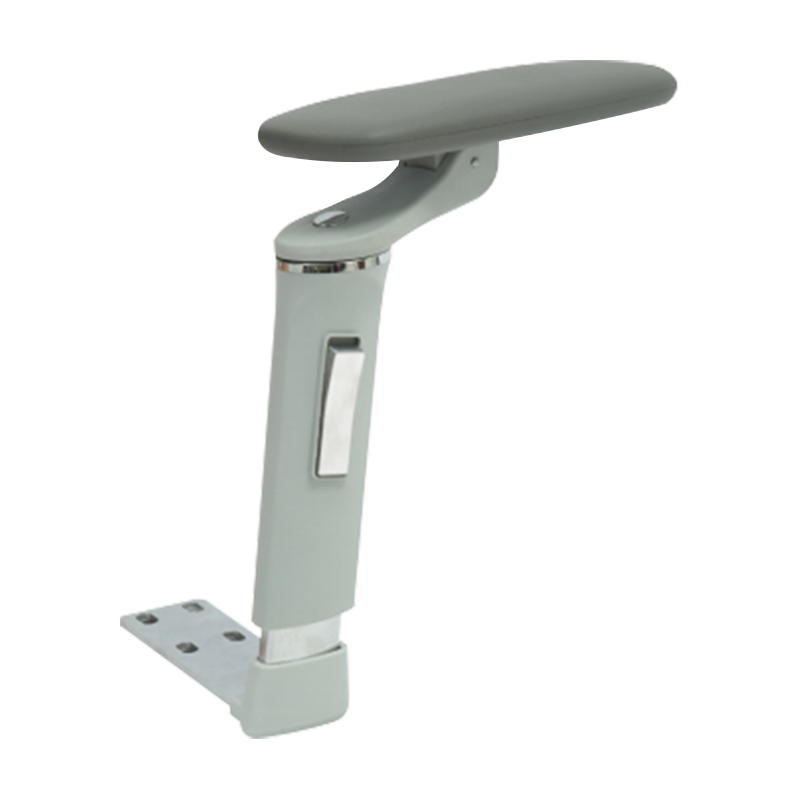
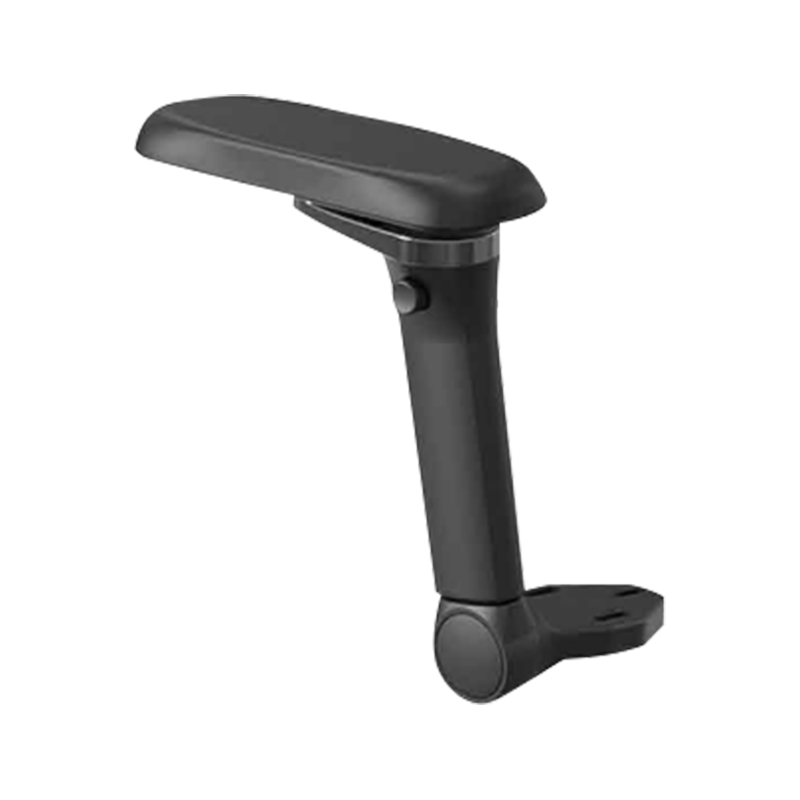
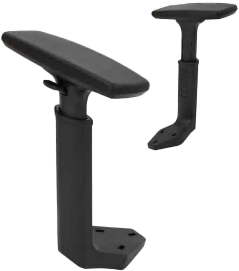
The key distinction is between passive armrests (fixed, one-size position) and adjustable armrests (height, width, depth, and pivot). Fixed armrests on budget chairs are often set too high or too wide for the user's body, forcing the shoulders into an elevated or hunched position — which is worse than no armrest at all. Adjustable 4D armrests found on ergonomic office chairs allow a personalized fit that genuinely supports the upper body.
What Makes an Armrest Truly Ergonomic?
- Height range: Should allow the elbow to rest at approximately 90–110° with shoulders relaxed and level — not raised or dropped.
- Width adjustment: Arms should sit close to the body, not splayed outward, to keep the shoulder joint neutral.
- Depth (fore/aft) adjustment: Allows the forearm to be supported while the hands reach the keyboard without stretching.
- Pivot/rotation: A slight inward tilt (5–10°) matches the natural angle of the forearm when typing.
- Padding material: Memory foam or polyurethane pads distribute pressure; hard plastic concentrates it on the elbow bone (olecranon), causing pain over time.
Are Chairs With Arms Better?
For most desk-based and office work: yes, chairs with arms are better. For certain activities — dining, active movement tasks, or users who prefer armrest-free seating — armless chairs can be appropriate. Context determines the answer.
| Use Case | With Armrests | Without Armrests |
|---|---|---|
| Computer / desk work (6+ hrs) | Recommended — reduces fatigue | Increased neck/shoulder strain risk |
| Short-duration tasks (<2 hrs) | Helpful but not critical | Acceptable |
| Dining / social seating | Can restrict movement | More practical |
| Active / dynamic work (standing desk transitions) | May interfere with desk clearance | More flexible |
| Users with shoulder or neck conditions | Often prescribed by physiotherapists | Not recommended |
| Wider body frames | Wider-set adjustable arms provide support | Can be more comfortable if arms are too narrow |
A 2021 review in Ergonomics journal noted that armrest use during computer work significantly reduced upper extremity discomfort in 7 out of 9 studies reviewed. The minority of studies showing no benefit typically involved fixed, non-adjustable armrests — reinforcing that adjustability is the deciding factor.
The Desk Clearance Problem
One practical drawback of armrests is desk clearance. If your desk has a fixed height and your chair's armrests are too tall to slide underneath, you're forced to sit further away, straining your reach. The solution is a chair with armrests that can be lowered below desk surface level, or flip-up armrests that tuck away when moving close. Many premium ergonomic chairs now offer armrests that lower to as little as 6.7 inches from the seat pan for exactly this reason.
Do Armrests Help Posture?
Yes — correctly adjusted armrests actively improve posture by offloading the weight of your arms from your spine and shoulder muscles. Your arms account for approximately 12–13% of total body weight. Without support, that load is continuously carried by the trapezius, rhomboid, and cervical spine muscles during seated work — a major contributor to the chronic neck and upper back pain that affects an estimated 54% of office workers.
How Armrests Affect the Spine
When arms are unsupported, the natural compensatory response is to either raise the shoulders (creating tension in the upper trapezius) or lean forward onto the desk (increasing lumbar flexion and disc pressure). Armrests interrupt both patterns by providing a stable resting point that keeps the shoulders dropped and the torso upright.
Studies using electromyography (EMG) to measure muscle activation have shown that trapezius muscle activity drops by 9–14% when well-adjusted armrests are used compared to no armrest condition. Over an 8-hour workday, this difference accumulates into significantly less fatigue and tissue stress.
When Armrests Hurt Posture Instead
- Too high: Forces shoulders to shrug upward, increasing trapezius tension — the opposite of the intended effect.
- Too low: Provides no support; user leans sideways to reach them, creating lateral spinal curve.
- Too wide: Arms splay outward, externally rotating the shoulder joint and creating instability.
- Used as a leaning prop: Resting only one elbow on an armrest for long periods creates asymmetrical loading on the spine.
- Too far forward: User hunches forward to reach them, losing lumbar support contact with the chair back.
How to Adjust Armrests on an Office Chair
Most mid-range to premium office chairs offer between 2D and 4D armrest adjustment. Here's how to dial in each axis correctly.
Step-by-Step Adjustment Guide
| Adjustment Axis | How to Set It | Correct Position |
|---|---|---|
| Height | Press button or lever on armrest post; raise or lower | Elbow at 90–110°, shoulders relaxed and level |
| Width (lateral) | Slide armrest pad inward or outward on its track | Arms close to torso, not splayed; wrists straight |
| Depth (fore/aft) | Slide pad forward or backward on the armrest frame | Forearm supported without stretching forward to keyboard |
| Pivot/angle | Rotate pad inward or outward (usually tool-free) | Slight inward angle (5–10°) matching natural forearm position |
The Correct Height Setting in Practice
Sit in your normal working posture at your desk with your keyboard in position. Let your arms hang naturally, then bend your elbows to approximately 90°. Adjust the armrest height until the pad meets your elbow at that position — without you having to raise or lower your shoulder to reach it. Your forearm should rest lightly on the pad; you should not be pressing down into it or hovering above it.
A common mistake is setting armrests to match the desk surface height. Unless your chair height is already optimized for your desk, these two measurements are often different. Always start with chair seat height, then armrest height, then desk position — in that order.
Armrest Types and What They Offer
| Armrest Type | Adjustability | Best For | Typical Price Range |
|---|---|---|---|
| Fixed (1D) | Height only or none | Budget seating, light use | Included in chairs under $150 |
| 2D | Height + width | General office use | Chairs $150–$300 |
| 3D | Height + width + depth | Extended desk work | Chairs $300–$500 |
| 4D | Height + width + depth + pivot | Ergonomic/professional setups | Chairs $400–$1,500+ |
| Flip-up | Height + folds away | Shared workspaces, tight desks | Add-on or mid-range chairs |
Aftermarket Armrest Upgrades
If your current chair has poorly padded or non-adjustable armrests, aftermarket armrest pads and replacement armrest assemblies are widely available. Gel or memory foam armrest covers — typically $15–$40 a pair — are an immediate improvement for pressure relief. Full armrest replacement assemblies compatible with common chair bases (like the Herman Miller Aeron or Steelcase Leap) are also available if the adjustment mechanism itself is the problem.
Quick-Reference: Armrest Ergonomics at a Glance
| Question | Answer |
|---|---|
| Are armrests ergonomic? | Yes, when adjustable and correctly set |
| Do they help posture? | Yes — reduce shoulder/neck muscle load by up to 15% |
| Are chairs with arms better? | Yes for desk work; depends on context for other use |
| Minimum adjustability for desk work? | 2D (height + width) |
| Ideal elbow angle with armrest support? | 90–110° |
| Most common adjustment mistake? | Setting armrests too high, causing shoulder shrug |