

 English
  Español
  عربى
عربى 
An office chair does need armrests for most seated work scenarios — and the height at which they are set matters as much as whether they are present at all. Research from Cornell University's Human Factors and Ergonomics Laboratory found that properly adjusted armrests reduce shoulder and neck muscle load by up to 10%, decrease spinal compression, and cut the incidence of upper-limb musculoskeletal disorders among desk workers by roughly 30% compared to armrest-free seating. The correct armrest height places the pad level with your desk surface so your elbows rest at approximately 90–110 degrees with your shoulders relaxed — for most adults, that is between 18 cm and 27 cm above the compressed seat cushion.
Does an Office Chair Actually Need Armrests?
For the majority of office workers who spend four or more hours per day at a desk, armrests are not optional comfort features — they are functional ergonomic components. However, whether a specific chair needs armrests depends on the task and the individual. Here is a direct breakdown:
| Work Scenario | Armrests Recommended? | Reason |
|---|---|---|
| Typing and mouse work, 4+ hours/day | Yes — adjustable preferred | Supports forearms, reduces trapezius and neck fatigue |
| Video editing / creative software | Yes — wide, flat pads | Long static arm positions create shoulder strain without support |
| Frequent standing and sitting transitions | Optional — low-profile or flip-up | Fixed armrests can obstruct quick exit from chair |
| Active tasks (drawing, physical sorting) | No — or removable | Wide arm movement requires unobstructed reach range |
| Users with shoulder or neck injury | Yes — essential | Offloads weight from injured structures during recovery |
| Short-duration seating under 2 hours | Optional | Muscle fatigue accumulates slowly; benefit is lower for brief sessions |
The case against armrests is also real and worth acknowledging. Fixed armrests that cannot be adjusted in height, width, or angle force the user into positions that may actually increase shoulder elevation rather than reduce it — particularly for people with narrower or wider-than-average shoulder widths. A poorly positioned chair armrest is worse than no armrest because it creates a constant upward force on the elbow that the shoulder must resist. This is why adjustability, not mere presence, is the defining criterion.
Should You Have Armrests on an Office Chair?
The answer is yes for most people — with the important caveat that the armrests must be appropriately sized and adjustable for your body. Here is the physiological case for armrests explained through what actually happens inside your body during extended seated work:
How Armrests Reduce Spinal Load
Each human arm weighs approximately 4–5 kg, representing around 6–8% of total body weight. When you sit without arm support, those 8–10 kg of combined arm weight hang from your shoulder girdle and upper spine continuously. Electromyographic (EMG) studies show that the upper trapezius muscle — the large muscle running from your neck to your shoulder — operates at 6–12% of its maximum voluntary contraction (MVC) simply to hold unsupported arms in a typing position. Over an 8-hour workday, that sustained low-level contraction is a primary contributor to the chronic neck and shoulder tension reported by approximately 45% of office workers in occupational health surveys.
When armrests are set correctly, the arms transfer their weight to the chair structure rather than the spine. Studies published in the journal Applied Ergonomics have measured a reduction in lumbar disc compression force of 150–200 N when arm support is provided — a meaningful unloading given that prolonged disc compression contributes to disc dehydration and back pain over years of cumulative exposure.
When Armrests Become a Problem
Armrests cause harm in three specific situations that are worth identifying:
- Too high: The elbow rests above the desk surface, forcing the shoulder into a permanently elevated position. This increases trapezius load rather than reducing it, creating the same fatigue the armrest was supposed to prevent.
- Too wide: When armrests are spaced wider than the user's shoulder width, the upper arm must abduct (angle outward) to reach the pad. This lateral shoulder position stresses the rotator cuff and acromioclavicular joint over time.
- Blocking desk approach: Armrests that prevent the chair from rolling under the desk force the user to sit further from the keyboard, causing forward trunk lean and increased lumbar flexion. In this configuration, removing the armrests entirely produces better posture than retaining them.
How High Should Armrests Be on an Office Chair?
The correct armrest height is the single most important adjustment for deriving benefit from arm support. The target is straightforward: the armrest pad surface should be at the same height as your desk or keyboard tray, so your forearm rests horizontally with your elbow bent at 90–110 degrees and your shoulder in a neutral (neither raised nor depressed) position.
Calculating Your Personal Armrest Height
Follow this measurement sequence to find your correct setting:
- Sit fully back in the chair with your feet flat on the floor and your thighs approximately horizontal. Do not perch on the edge.
- Measure from the seat pan surface (compressed under your weight) to the underside of your relaxed elbow with your shoulder hanging naturally — not raised or pulled back. For most adults, this measurement falls between 18 cm and 27 cm.
- Set the armrest to match this measurement. Your elbow should drop onto the pad without your shoulder rising to meet it.
- Cross-check against your desk height. Your standard desk is typically 72–75 cm high. If the armrest at your elbow height sits above the desk surface, your desk is too low or your chair is too high — resolve the desk or seat height issue before finalising the armrest position.
- Adjust width inward until the pad sits directly below the elbow without your upper arm pressing against the armrest post. Your arms should hang straight down from the shoulder, not angled outward.
Armrest Height by Body Type — Reference Ranges
| User Height | Typical Seat Height | Typical Armrest Height (above seat) | Resulting Armrest Floor Height |
|---|---|---|---|
| Under 160 cm | 38 – 42 cm | 18 – 20 cm | 56 – 62 cm from floor |
| 160 – 170 cm | 42 – 46 cm | 20 – 22 cm | 62 – 68 cm from floor |
| 170 – 180 cm | 44 – 48 cm | 21 – 24 cm | 65 – 72 cm from floor |
| 180 – 190 cm | 46 – 52 cm | 23 – 26 cm | 69 – 78 cm from floor |
| Over 190 cm | 50 – 56 cm | 24 – 27 cm | 74 – 83 cm from floor |
These ranges reflect population data and serve as a starting point. Individual arm length and torso proportions mean some users will fall outside the typical band for their height — always prioritise the direct elbow measurement over the height-based estimate.
Types of Chair Armrest Adjustments and What Each Does
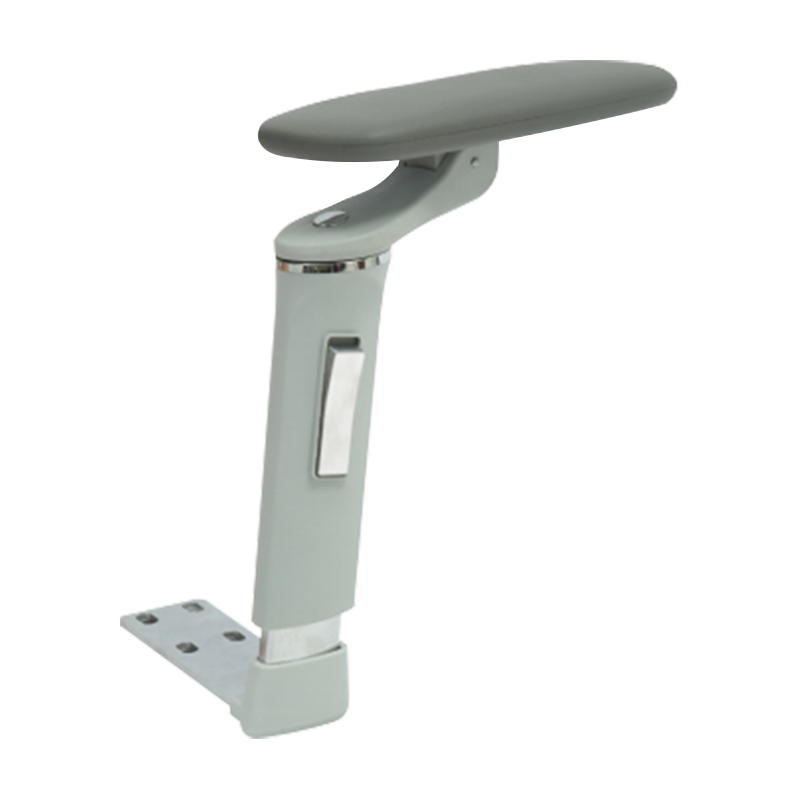
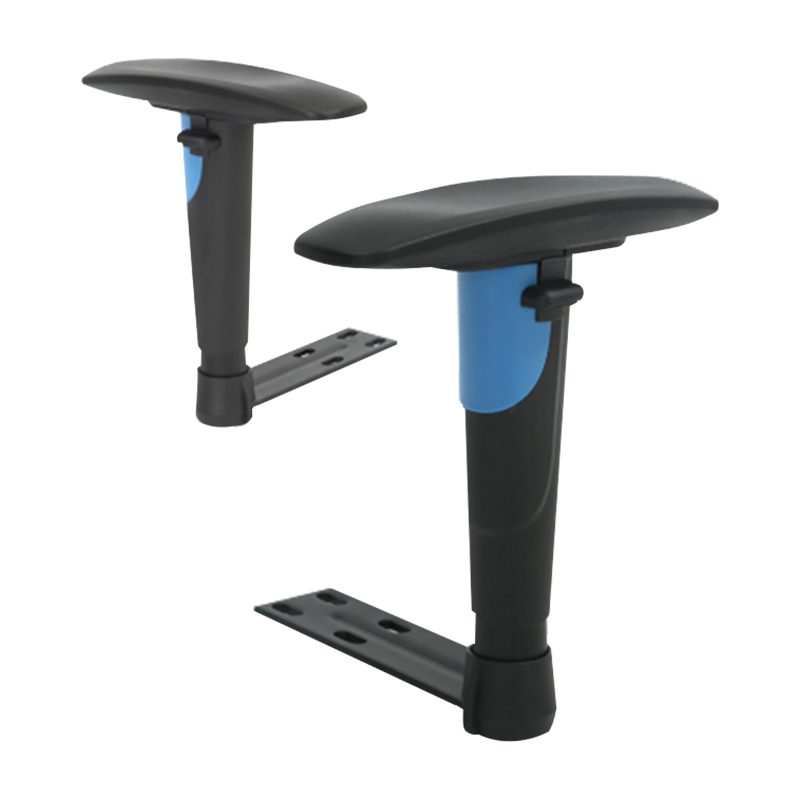
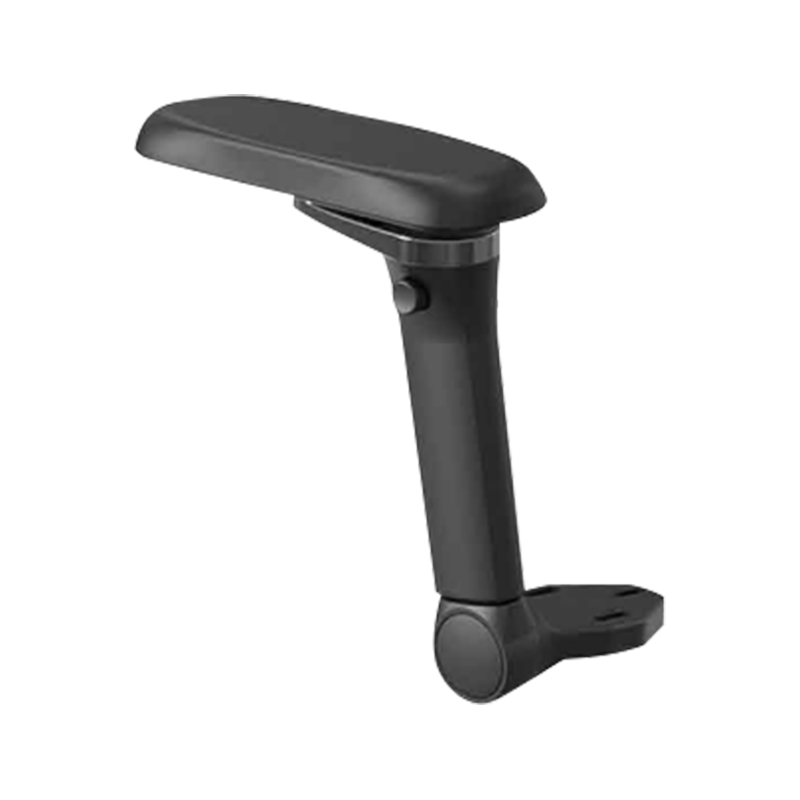
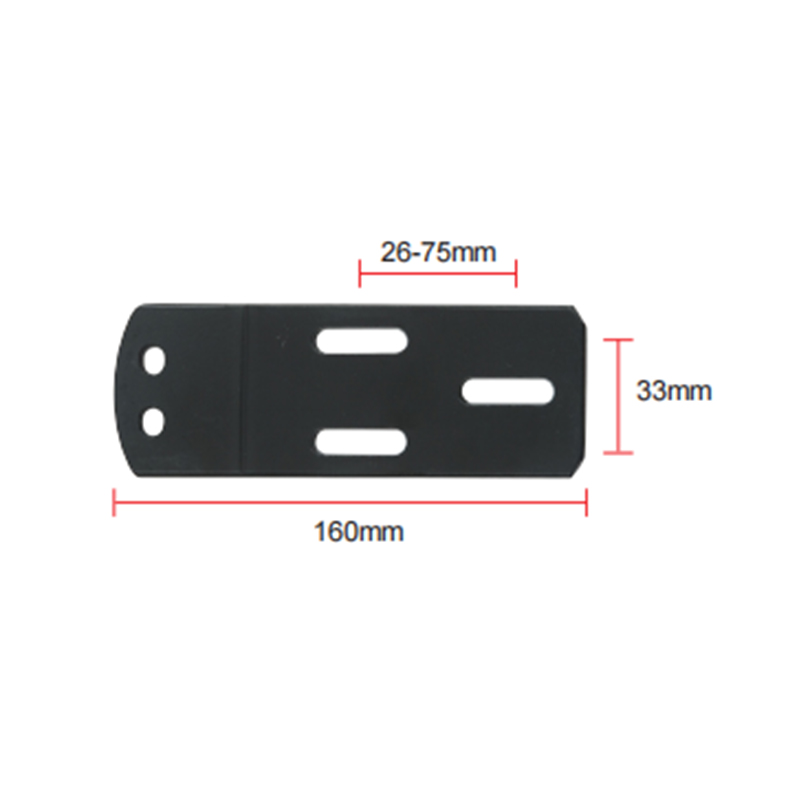
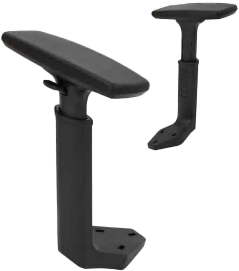
Modern ergonomic office chairs offer armrests with multiple adjustment axes. Understanding what each axis controls helps you get full value from the chair rather than leaving adjustments at the factory default:
| Adjustment Type | What It Controls | Who Benefits Most |
|---|---|---|
| Height (1D) | Vertical position of the pad above the seat | All users — the most critical adjustment |
| Width (2D) | Lateral spacing between the two pads | Narrow or broad-shouldered users |
| Pivot / rotation (3D) | Angle of the pad surface in the horizontal plane | Users who type with inward-angled wrists |
| Depth / fore-aft (4D) | How far forward or back the pad sits relative to the seat | Users with longer or shorter forearms; those who rest arms while reading |
| Tilt (5D) | Inclination of the pad surface front-to-back | Users with lateral epicondylitis or forearm nerve issues |
For most office workers, a 3D or 4D armrest provides sufficient adjustability. Full 5D adjustment is primarily beneficial for users with diagnosed upper-limb conditions or those who spend long hours in mixed postures — alternating between typing, reading, and phone use — where a single pad angle cannot suit all tasks.
Armrest Padding Materials and Their Impact on Comfort
The surface material of the armrest pad determines comfort during extended contact and durability over the chair's lifespan. The most common materials each have distinct performance characteristics:
- Polyurethane (PU) foam padding: The standard in mid-range ergonomic chairs. Provides good initial cushioning with a soft feel, but PU foam compresses permanently over 2–4 years of daily use, hardening the pad surface. Once the foam has bottomed out, the elbow contacts the hard plastic shell beneath — reducing comfort and potentially creating local pressure points on the olecranon (elbow tip).
- Memory foam: Conforms to the elbow contour and distributes pressure more evenly than standard PU foam. Temperature-sensitive — softer in warm rooms, firmer in cold environments. Slower to recover than PU foam, which suits users who hold a single position for long periods.
- TPU (thermoplastic polyurethane) hard pad: A rigid or semi-rigid surface often found on task chairs and gaming chairs marketed for durability. Comfortable only when padded with a secondary material; a bare TPU pad creates point pressure on the olecranon within 30–60 minutes and should not be used for extended work sessions without an aftermarket gel or foam cover.
- Gel-filled pad: Offers the best pressure distribution by allowing the gel to flow and conform to the elbow shape dynamically. More expensive than foam options but maintains performance for longer as gel does not compress permanently. Particularly beneficial for users who report elbow or forearm discomfort on standard foam pads.
- Fabric-covered foam: A breathable fabric cover over foam reduces the sweating and skin adhesion that occurs with PU or vinyl surfaces in warm environments. The cover can be removed and washed, extending the usable life of the pad by preventing the breakdown that occurs when skin oils saturate a sealed vinyl surface.
How to Know If Your Current Armrests Are Causing Problems
Armrest-related ergonomic problems are often misattributed to keyboard use or monitor position. The following signs suggest the armrests are a contributing factor worth investigating:
- Shoulder tension that worsens through the afternoon: If your neck and upper shoulder muscles ache by mid-afternoon but feel fine in the morning, static muscle loading from arm weight is a likely cause — indicating armrests that are too low, absent, or too far from the body.
- Redness or skin indentation on the inner forearm or elbow: These marks indicate the armrest edge is creating focal pressure rather than distributed support — the pad is too narrow, the edge too sharp, or the height slightly too high so the forearm rolls onto the edge rather than resting flat.
- You consistently avoid using the armrests: If you find yourself resting your forearms on the desk rather than the chair pads, the pads are almost certainly too low, too far back, or too wide to be useful in your working posture. Adjusting or replacing them will produce immediate benefit.
- Tingling or numbness in the ring or little finger: This ulnar nerve symptom can result from sustained pressure on the medial elbow (funny bone area) against a hard armrest edge, compressing the nerve in the cubital tunnel. Padding the armrest or reducing elbow contact pressure typically resolves the symptom within days.